Do you want to capture every moment of your outdoor activity without having to carry bulky gadgets around? Or simply want to keep your belongings safe with a discreet monitoring device? Look no further than the button camera - an ultracompact, versatile audio and video recording device that fits right into your buttonhole or any tight spot.
In this blog post, we'll delve into the ins and outs of button cameras, from their basic features and types to tips on choosing and using them effectively. By the end of this article, you'll be well-equipped to get your own button camera and capture the world in your pocket!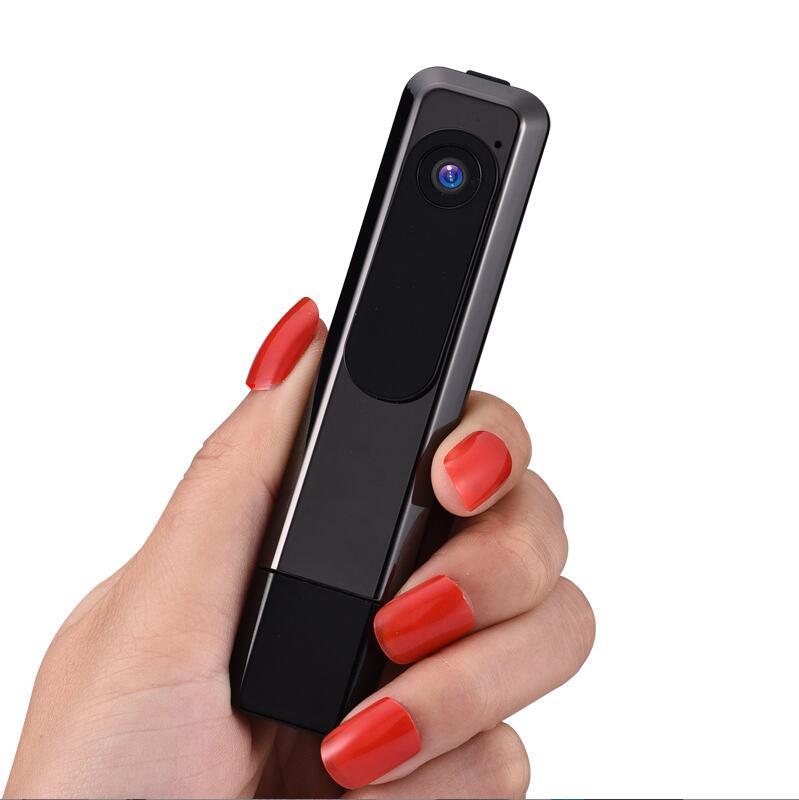
What is a button camera?
Simply put, a button camera is a miniature camera that looks like a button and can be attached or hidden in clothing, accessories, or other objects. Button cameras can record high-quality audio and video footage, take photos, and some even have motion detection or night vision capabilities. They are often used for covert surveillance, law enforcement, journalism, sports recording, and personal entertainment.
Types of button cameras
Button cameras come in various shapes, sizes, resolutions, and connectivity options. Here are some of the most common types:
- Analog button cameras: these are the classic button cameras that use a composite analog video output, often requiring a separate DVR or monitor to capture and view the footage.
- Digital button cameras: these are the modern button cameras that use digital video recording (DVR) technology and store the footage in a built-in or external memory card.
- Wireless button cameras: these are the button cameras that can transmit live or recorded video and audio wirelessly to a remote device, such as a smartphone, tablet, or laptop, via Wi-Fi or Bluetooth.
- USB button cameras: these are the button cameras that can be connected and powered by a USB port of a computer or power bank, and record and store the footage directly on the device or a memory card.
Choosing a button camera
When choosing a button camera, there are several factors to consider, such as:
- Resolution: the higher the resolution, the clearer and more detailed the footage.
- Field of view: the wider the field of view, the more you can capture in a single shot.
- Battery life: the longer the battery life, the more you can record without recharging.
- Storage capacity: the more storage capacity, the more footage you can store without running out of space.
- Connectivity: the type and range of connectivity options, such as Wi-Fi, Bluetooth, or USB.
Using a button camera
To use a button camera, follow these steps:
1. Charge the camera or insert and format a memory card.
2. Attach the camera to your clothing or object of choice, making sure it is secure and discreet.
3. Turn on the camera and adjust the settings, such as resolution, field of view, or mode.
4. Record or capture the footage by pressing the button or following the instructions of the camera.
5. Transfer the footage to your computer or device, or view it directly on the camera, depending on the type of camera you have.
Button cameras are small but powerful tools that can offer you a world of audio and video capturing possibilities. Whether you want to document your adventures, secure your belongings, or simply have fun, a button camera can be your perfect companion. By knowing the basics of button cameras, you can choose and use the right one for your needs and enjoy the benefits of having a tiny but mighty camera at hand. If you have any further questions or feedback, don't hesitate to contact us at Tel: +86 13927473711 or E-mail: jingzhi2013@hotmail.com.


